Implementing Two-Factor Authentication in Virtualmin

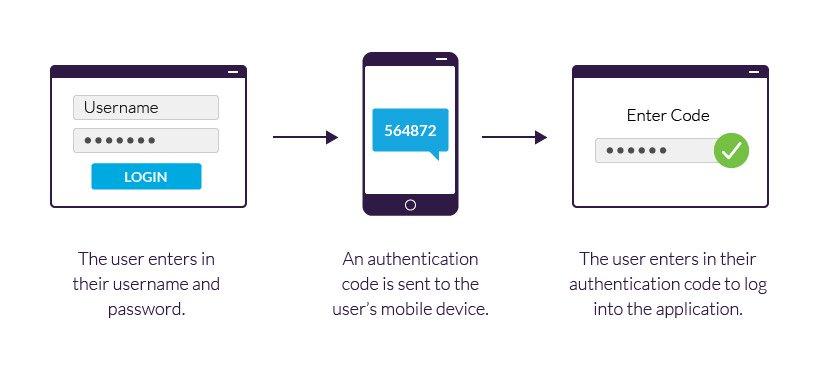
Implementing Two-Factor Authentication in Virtualmin

In a world where our online presence feels more vulnerable than ever, one can’t help but worry about the safety of our personal information. Have you ever considered how easily your email, social media accounts, or even your web hosting control panel could fall into the wrong hands? This concern is entirely valid, especially with […]

Read More »
Virtualmin’s Backup Strategies: On-Site and Off-Site Solutions

Virtualmin’s Backup Strategies: On-Site and Off-Site Solutions

Have you ever experienced the sinking feeling that comes with losing important data? Maybe it was a document you spent hours perfecting, or perhaps it was a cherished photo that you thought was safe. Unfortunately, these moments can happen to anyone. We live in a digital world where data loss can feel like falling off […]

Read More »
How to setup Litespeed web server with Virtualmin

How to setup Litespeed web server with Virtualmin

Setting up LiteSpeed Web Server with Virtualmin involves several steps, including installing the LiteSpeed Web Server, configuring Virtualmin to use LiteSpeed, and setting up your website to run on LiteSpeed. Here’s how to do it: Step 1: Install LiteSpeed Web Server Download LiteSpeed Web Server:First, download the LiteSpeed Web Server package: bash Copy code wget […]

Read More »